
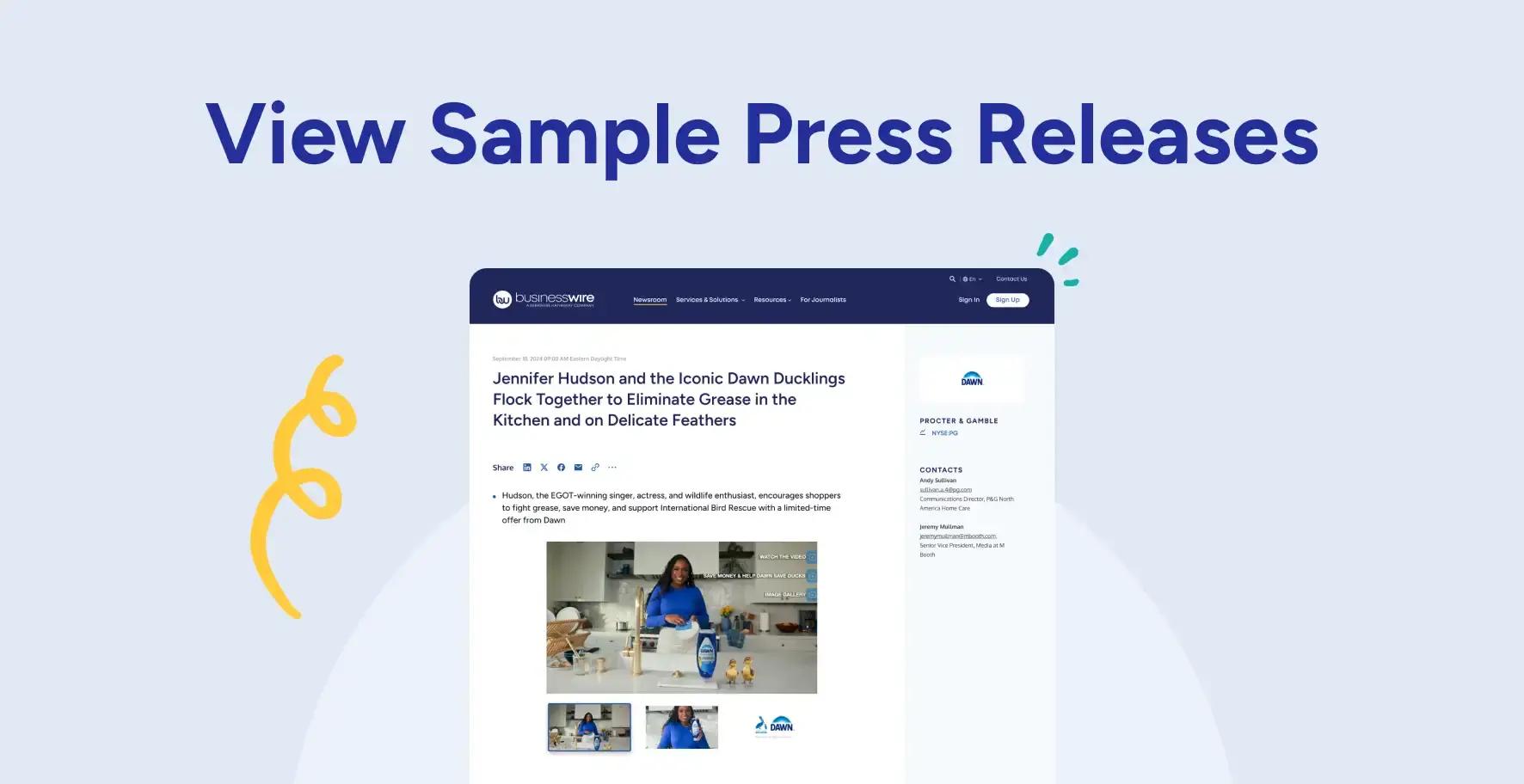
Follow these specifications to ensure your visual content displays optimally on BusinessWire.com and across downstream platforms.
General Submission Guidelines
Business Wire Connect accepts files up to 4GB. For larger files, use a file-sharing service (e.g., Google Drive, Dropbox) and send us a download link.
We’re happy to take a look at other file types—feel free to send us what you have, and we’ll let you know if we can work with it.
Text & Tables
- Press Release Text: Submit as a Word document (.doc or .docx).
- Financial Tables: Submit in a Word document (please, no pictures of tables) or Excel document (.xls, .xlsx).
- European Disclosure Circuits: Supplemental PDF (.pdf), XHTML (.xhtml), XML (.xml), and ZIP (.zip) files can be provided and may be required.
Logos
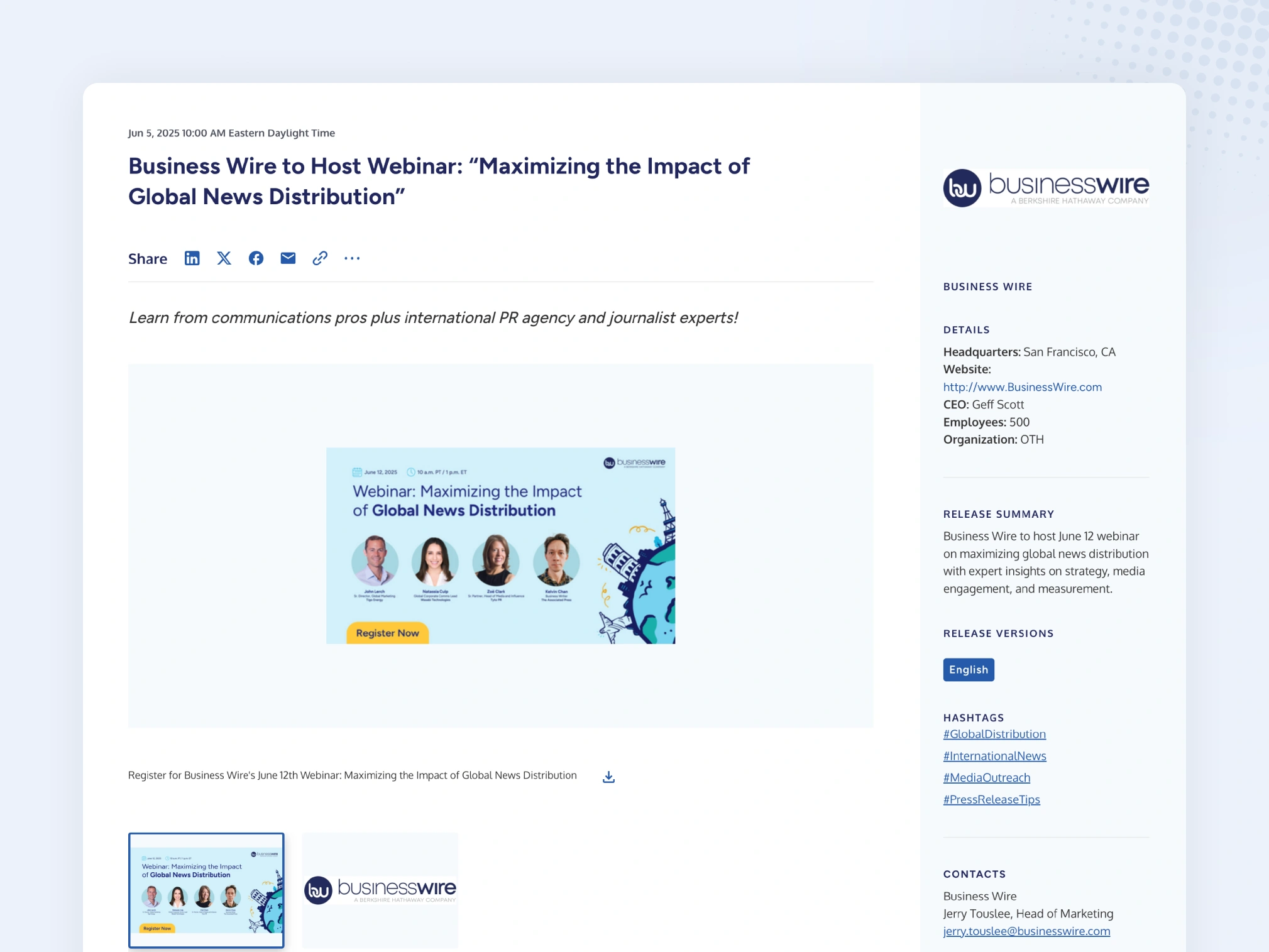
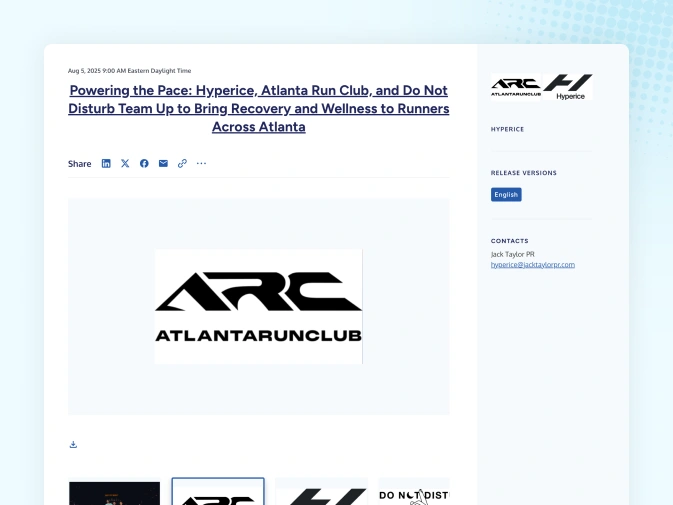
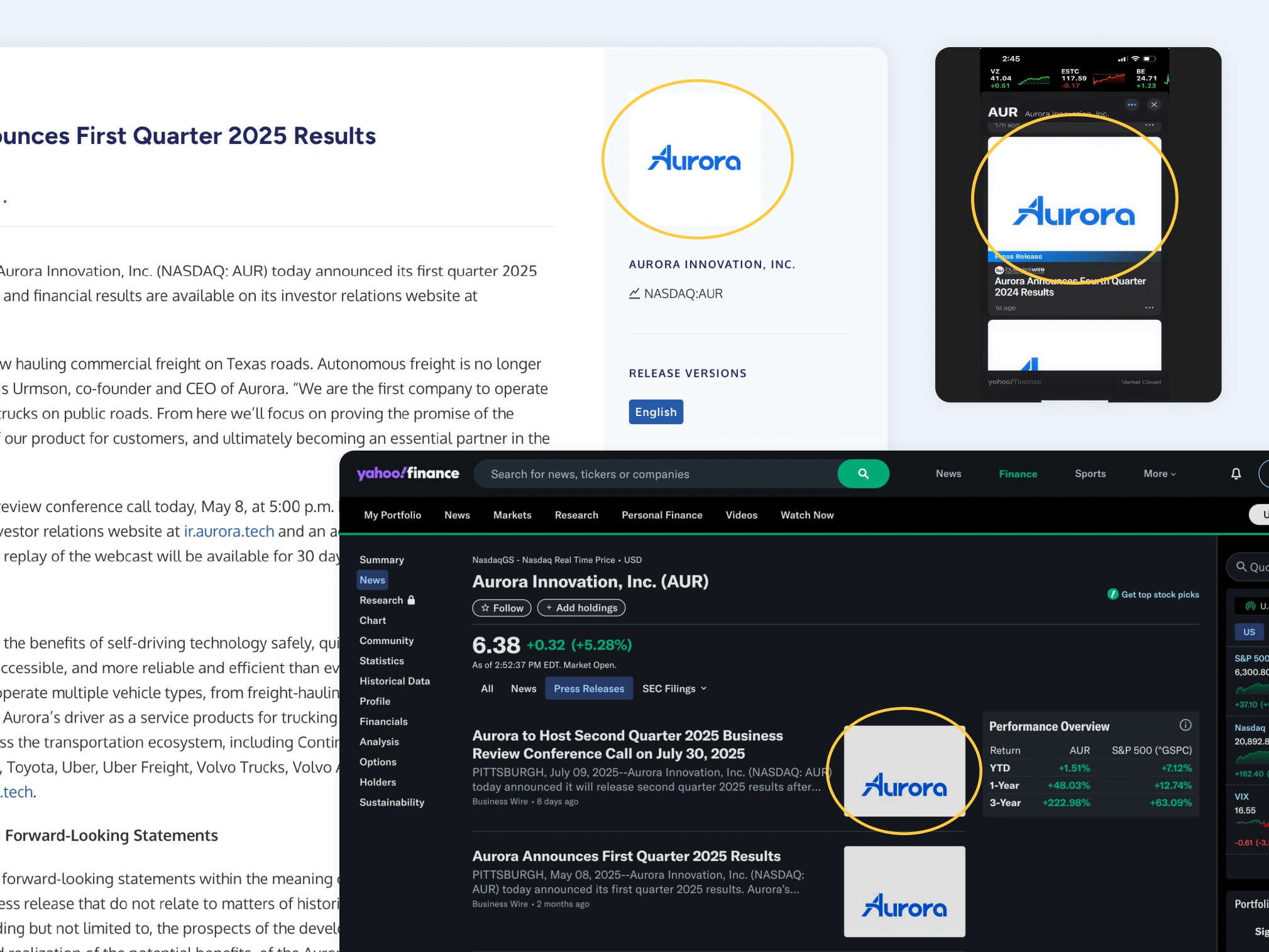
Add a complimentary logo to accompany your press release on BusinessWire.com and downstream media platforms that support logo display.
- Recommended Format: .jpg, .tif, .bmp
- Color Mode: RGB
- Recommended Resolution: Use a high-resolution logo file with a non-transparent or color background. For best results, the shorter side should be at least 600 pixels. Choose a logo that’s simple, avoid fine or faint details, and doesn’t have extreme proportions (e.g., overly wide or tall).
- Two-Logo Guidance:
- Avoid single composite logos.
- If submitting a single composite logo, add special instructions in Business Wire Connect for the editor reviewing your press release.
- Preferred: Submit each logo separately for a two-logo Smart News Release.
- Logo Display on BusinessWire.com: Logos appear in a fixed 296x296 px container to ensure a consistent layout. Your logo will scale automatically to fit this space while preserving its original aspect ratio.
 |  |
Multimedia
Business Wire pricing to include multimedia with your press release (either as a Smart News Release or Interactive Media) varies depending on the number of files, type of files, and distribution of your news.
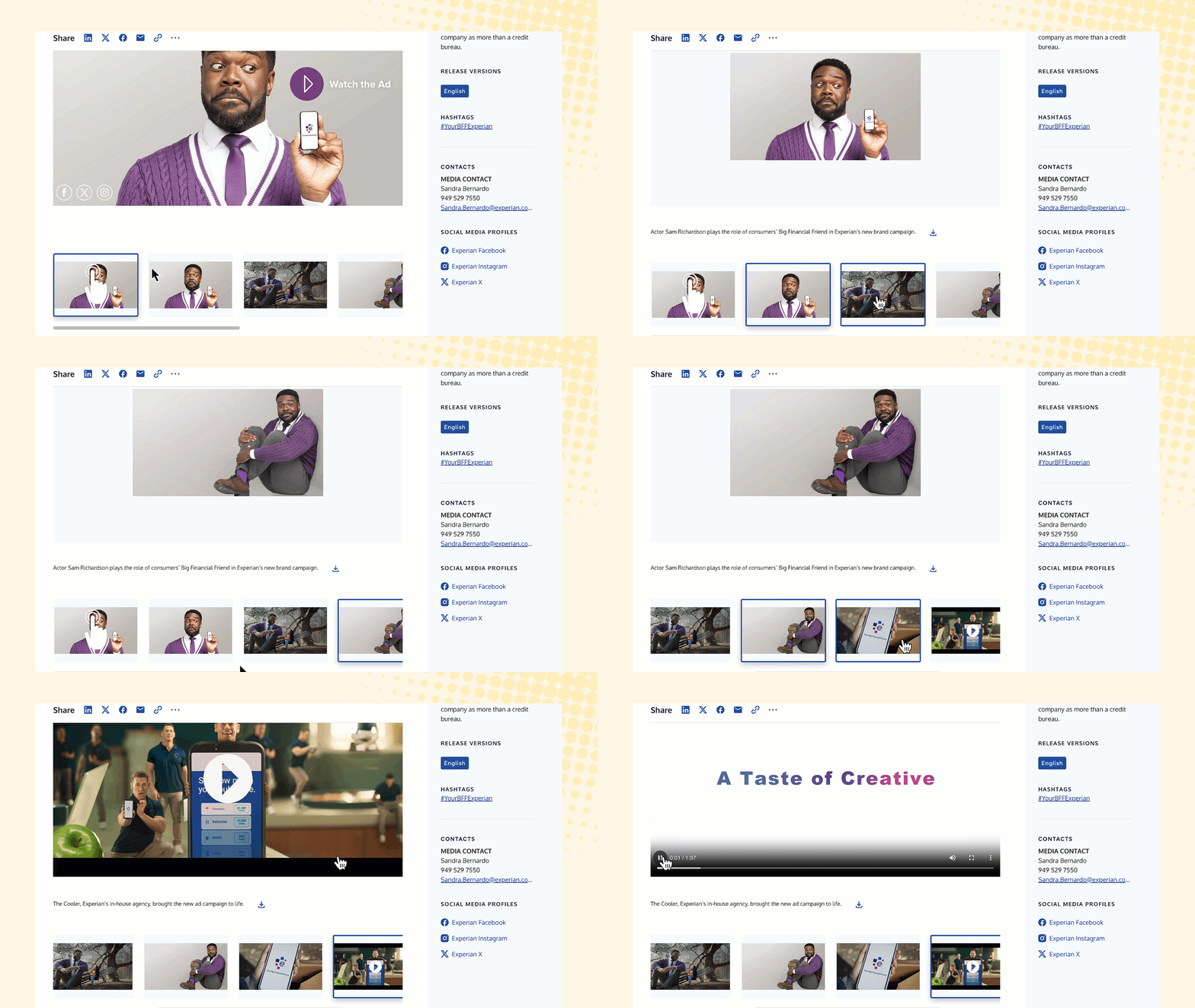
Photos/Images
- Recommended Format: .jpg (preferred), .tif, .bmp, .png, .gif
- Recommended Resolution: Minimum 2400 px on the longer side (small images are unlikely to be used by print media).
- Color Mode: RGB
- Orientation: Landscape preferred
- Caption: Include primary keywords and short descriptive text (serves as alt text for SEO). Multimedia captions with Business Wire can be up to 1,000 characters.
Videos
- Recommended Format: .mp4/H.264, .mov, .wmv, .mpg, .avi
- Recommended Resolutions: 720p (1280×720) or 1080p (1920x1080)
- Frame Rate: 25 fps or 29.97 fps recommended
- Tips:
- Files in a variety of aspect ratios, frame sizes, and data transfer rates are accepted; however, original specs may not be retained in the compressed files we create for posting and distribution.
- Files must be in their original digital format, not streaming.
- While no time limit, most viewers prefer videos of five minutes or less.
- Please allow additional time for video processing.
- Broadcast-quality video is not posted or distributed. If it is your preference to share higher-quality versions, we recommend noting this within your press release and providing contact details.
Documents
- Recommended Format: .pdf
- Tips: Make sure to share your final, unlocked PDF.
Audio
- Recommended Format: .mp3, .aif, .wma, .wav
- Tips: Files must be in their original digital format, not streaming.
Slideshow
- Recommended Format: .ppt, .pptx
- Tips: We recommend keeping slideshows to 10–15 slides to reduce download time and encourage use, though more slides are allowed.
Downstream Media Sites
Business Wire cannot control how your logo and multimedia appear on affiliate sites or other websites that pick up your press release. However, we recommend:
- Providing your logo in a square format.
- Including 100 px of white space on both sides of the logo.
- A Business Wire client shared that an 840x840 px file uploaded to Business Wire Connect appeared well on both Yahoo! Finance and Apple News.
- Yahoo! Finance notes logos may not always appear perfect due to design variations.
Twitter/X Cards
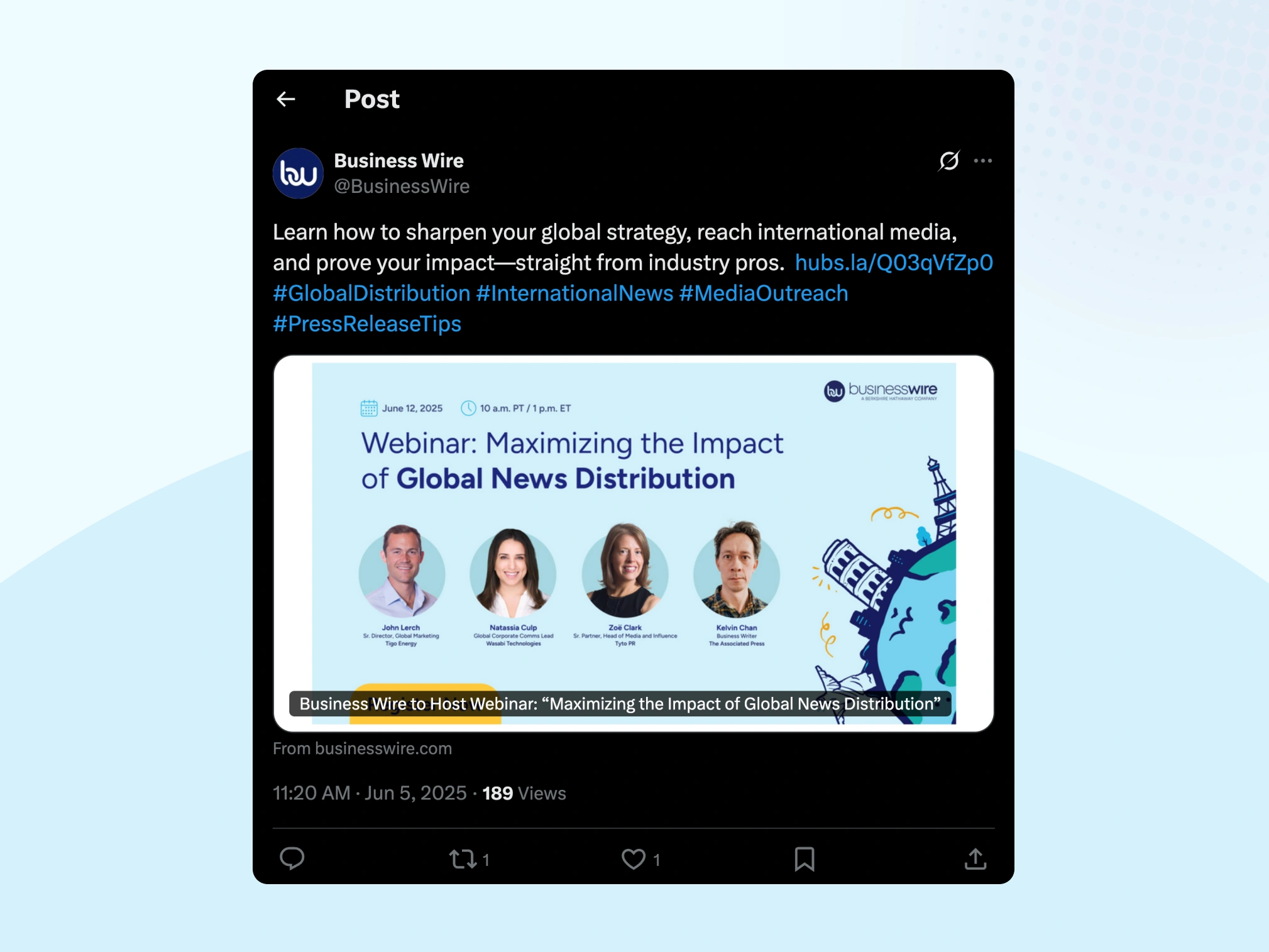
- Business Wire automatically generates Twitter Cards for your press release.
- Twitter/X uses the primary image asset from your press release to generate a Twitter Card.
- Twitter Cards do not use non-image assets like documents or slideshows.
- A Twitter Card enhances shared links by adding a headline and image, making posts more engaging and professional.
Business Wire continuously fine-tunes how your content appears to ensure it displays correctly across as many platforms as possible.
Questions? Reach out to your Business Wire representative or send a secure message through Business Wire Connect.