Modernize Your News Release
At Business Wire, we know news releases inside and out. We understand their importance and the goals they aim to achieve. But not all press releases perform the same way. What sets the most effective announcements apart? How can you boost awareness, engagement, and drive coverage or traffic for your next news release?
Refresh your approach and supercharge your results with these tips.
1. Keep It Strong, Concise, and Relevant
Why it matters
Journalists and influencers receive hundreds of press releases every day. Only news with clear relevance and concise language stands out.
Do this:
- Limit each paragraph to three sentences or fewer
- Remove any jargon that does not add critical context
2. Write a Compelling Headline
Why it matters
People often scan a headline before deciding whether to read further. Your press release headline is used by Business Wire as a title tag; this helps optimize your press release for search and social feeds.
Do this:
- Draft your headline after writing the body to ensure key points are included
- Aim for 8–12 words with your primary keyword near the front
- Test two variations with colleagues to gauge clarity
3. Place Descriptive Information in the First Paragraph
Why it matters
Many journalists and media outlets only see the first line or two of a press release in their email preview or newsroom systems. The first 160 characters of your press release body text serve as a meta description when published on BusinessWire.com, visible in search engine results.
Do this:
- Answer the who, what, when, where and why in the opening paragraph
- Use an active voice and include your main keyword
4. Use Keyword Tools
Why it matters
Press releases optimized with relevant keywords rank higher in search results.
Do this:
- Run your headline and first paragraph through Google Trends
- Identify 2–3 high-value keywords and weave them naturally into your text
5. Avoid Keyword Stuffing
Why it matters
Overuse of keywords can trigger search filters and turn readers away.
Do this:
- Use synonyms and related phrases
- Include your primary keyword in the headline and once in the body
- Read your copy aloud to ensure it flows naturally
6. Add Your Logo & Company Information
Why it matters
Visual branding reinforces your organization and directs traffic to your website.
Do this:
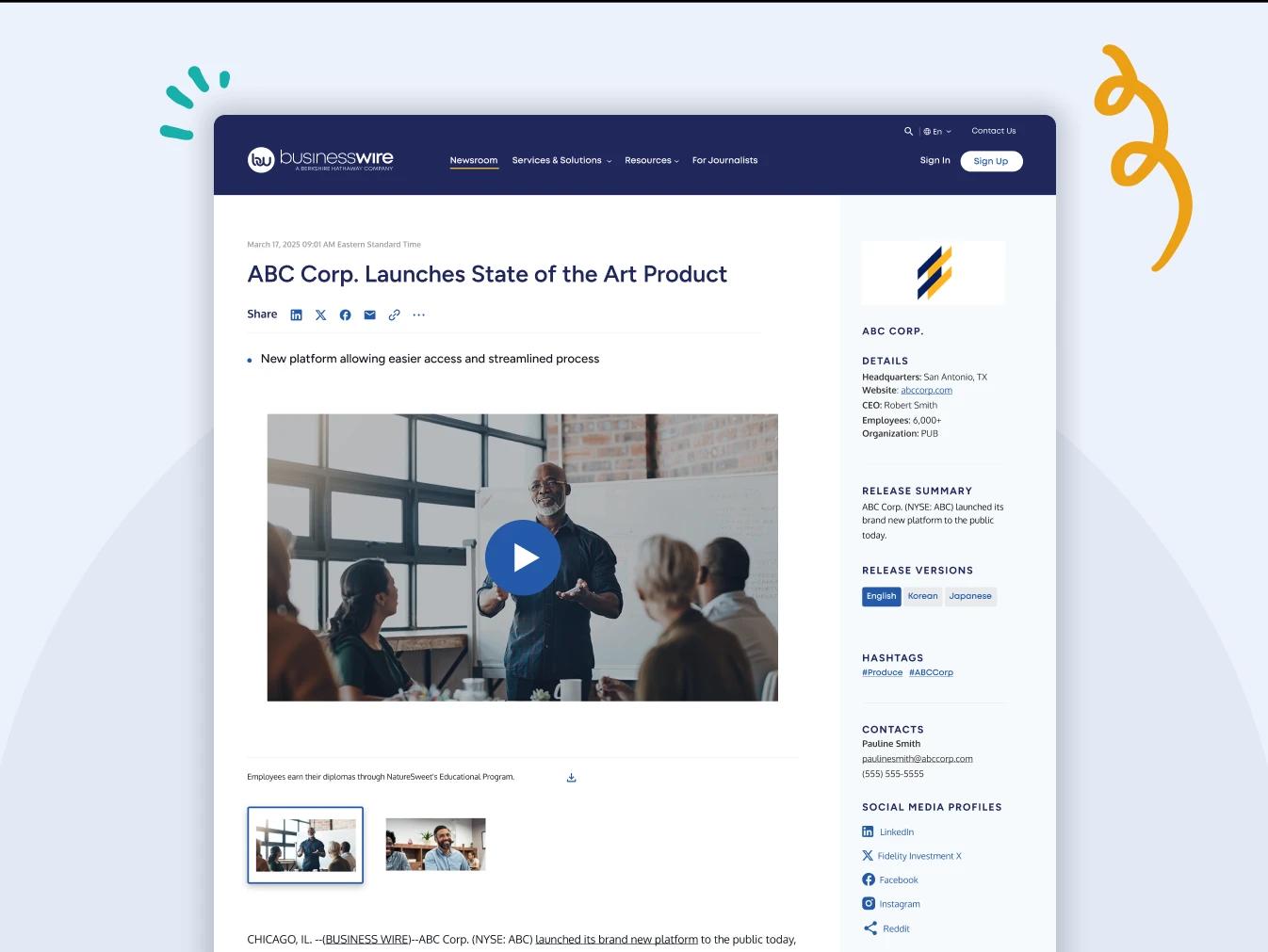
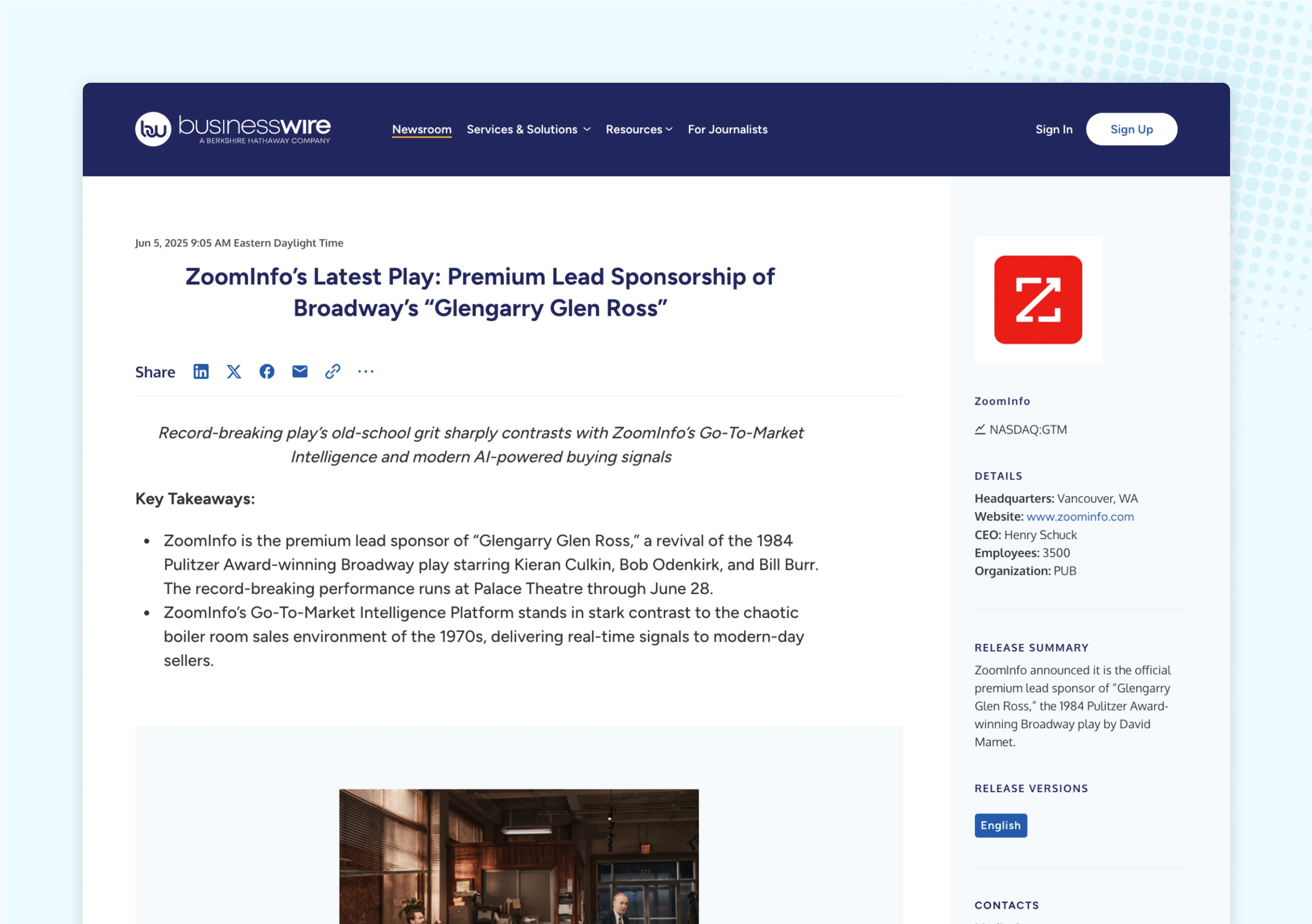
- Upload a high-resolution version of your logo to Business Wire Connect so your logo appears with your press release
- Include a link to your home page and social media profiles in the boilerplate
- Check out this example of a press release featuring a linked logo, company details, social media links, and boilerplate
7. Include Multimedia
Why it matters
News releases with multimedia assets see higher click-through rates and more pick-ups by journalists.
Do this:
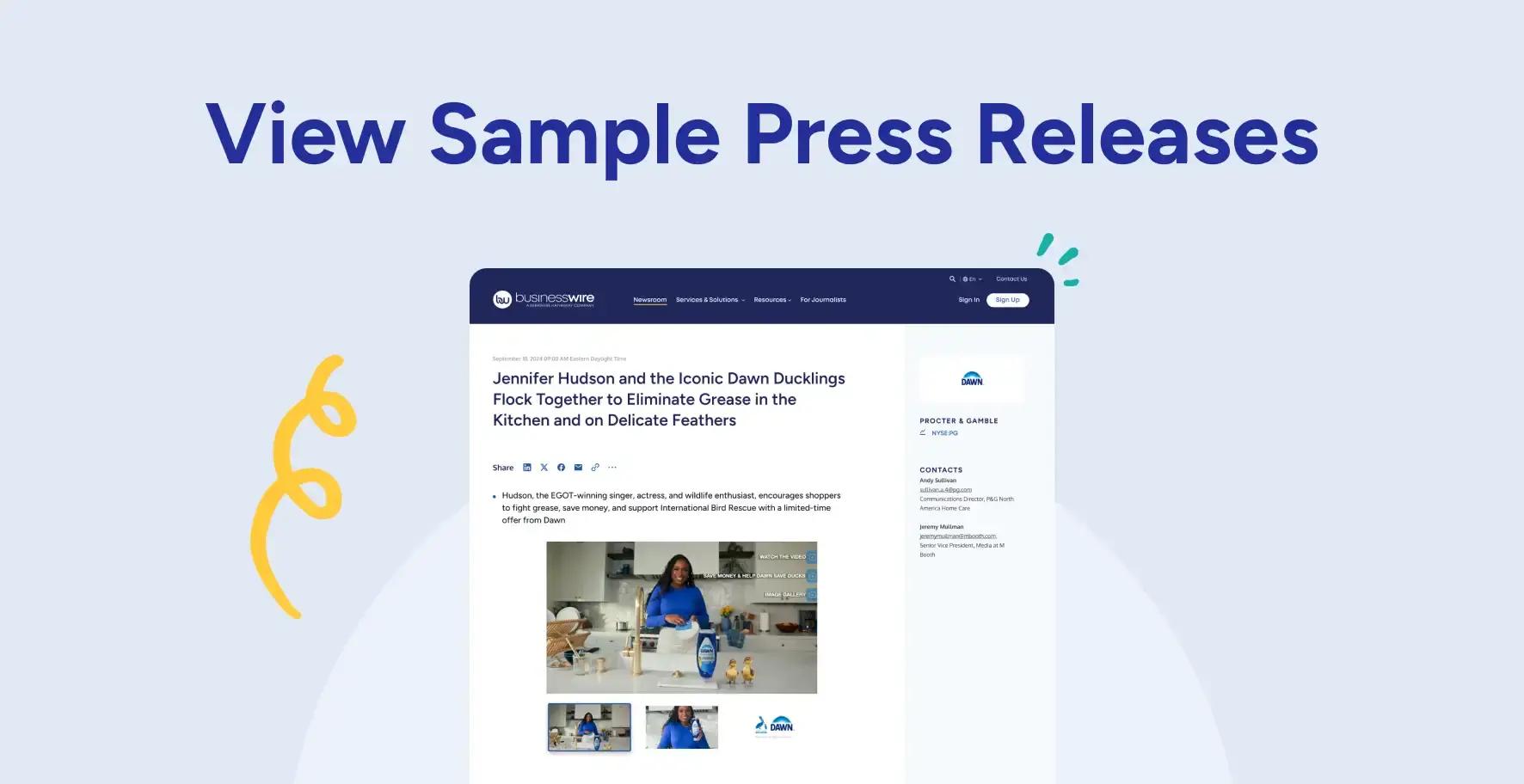
- Issue a Smart News Release that includes a high-resolution image, video, or infographic
- Partner with Business Wire to create an Interactive Media press release that combines multiple multimedia elements into one engaging, story-driven asset
- Add keyword-rich captions to each visual element to provide context and enhance understanding; captions are used by Business Wire as image alt text which helps search engines understand and index your content
- As you upload assets in Business Wire Connect, be sure your multimedia file names include descriptive keywords to support SEO visibility
- View examples of press releases with multimedia
8. Repurpose Existing Visuals
Why it matters
Leveraging assets you already own saves time and maintains brand consistency.
Do this:
- Convert a whitepaper chart into an infographic
- Turn customer testimonial quotes into a short video clip
- Update old product photos with new branding elements
9. Feature Hyperlinks
Why it matters
Hyperlinks guide readers to the next step and improve SEO value.
Do this:
- Link to your most relevant campaign landing page
- Include direct links to social media channels
- Use descriptive anchor text (for example, “read our product specs” instead of “click here”)
10. Use Measurement Data
Why it matters
Reducing friction means fewer follow-up inquiries and faster coverage.
Do this:
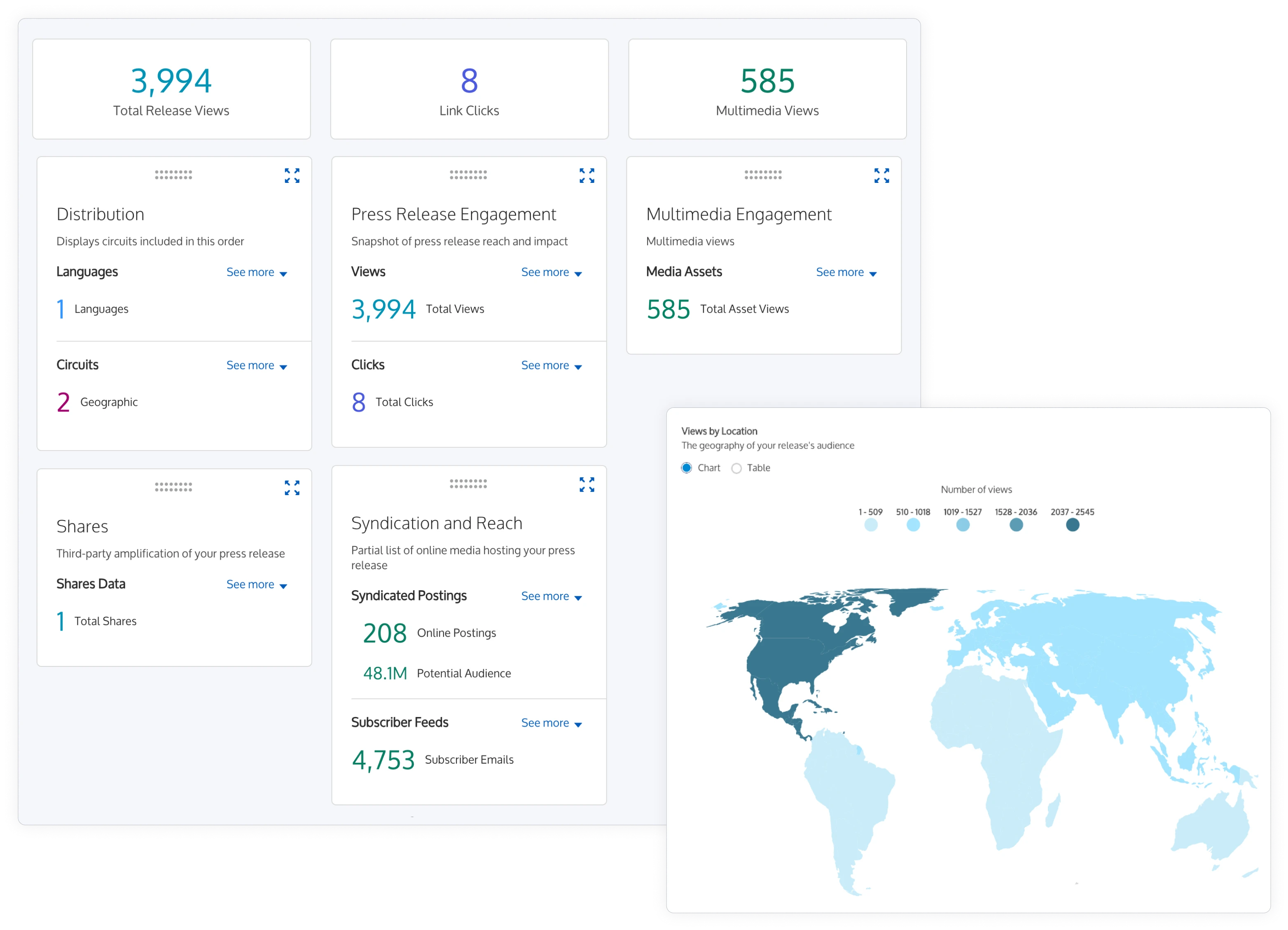
- Review the NewsTrak report for your press release – looking at open rates and click data from your last three releases can help you spot performance trends and improve future results
- Identify which subject lines and calls to action performed best
- Adjust your headline length and CTA placement accordingly
11. Activate Your Audience
Why it matters
A clear call to action encourages your audience to take the next step – whether that’s sharing your content, subscribing, registering, or downloading.
Do this:
- Include one primary call to action in every press release
- Use imperative verbs such as “download,” “register,” or “learn more”
12. Anticipate Reader Questions
Why it matters
Reducing friction means fewer follow-up inquiries and faster coverage.
Do this:
- Have someone unfamiliar with the topic review your press release and share any questions or points of confusion
- Use this feedback to revise your press release draft, ensuring your news is clear and accessible
- Include contact details for your spokesperson with your press release
13. Build Relationships with Media
Why it matters
Personalized outreach increases the chance of coverage and positive relationships.
Do this:
- Follow targeted reporters and influencers on social media
- Share and comment on their previous coverage
- Send a 1–2 sentence personalized note when pitching your news release

14. Share Your News
Why it matters
Amplifying your press release across channels multiplies its reach.
Do this:
- Post your press release link on your blog and social media accounts
- Embed it in your email newsletter
- Use relevant hashtags and tag industry pages