
How Multimedia Press Releases Improve Engagement, Discoverability, and Media Coverage
Not long ago, press releases were primarily text-based documents written for journalists and distributed broadly in the hope that stories would be picked up, rewritten, and amplified downstream.
That still happens today. But it’s only part of the picture.
Now, press releases live in a much bigger ecosystem. They’re read directly by audiences, picked up by search engines, surfaced in AI-generated answers, and used by journalists who are under increasingly tight deadlines. At the same time, expectations have changed: people want clarity faster, visuals included, and stories that are easy to understand at a glance.
Because of all this, multimedia is no longer just an enhancement. It’s part of how modern press releases are built and experienced.
From Distribution to Discovery: Key Topics
- What a Multimedia Press Release Means Today
- Common Multimedia Types in Press Releases
- How Press Releases Use Multimedia
- Why Multimedia Improves Performance
- Why Journalists Rely on Multimedia Releases
- How Multimedia Extends Reach
- How Multimedia Supports Digital Systems
- Best Practices for Multimedia Use
- Press Releases as Multi-Format Experiences
What a Multimedia Press Release Means Today
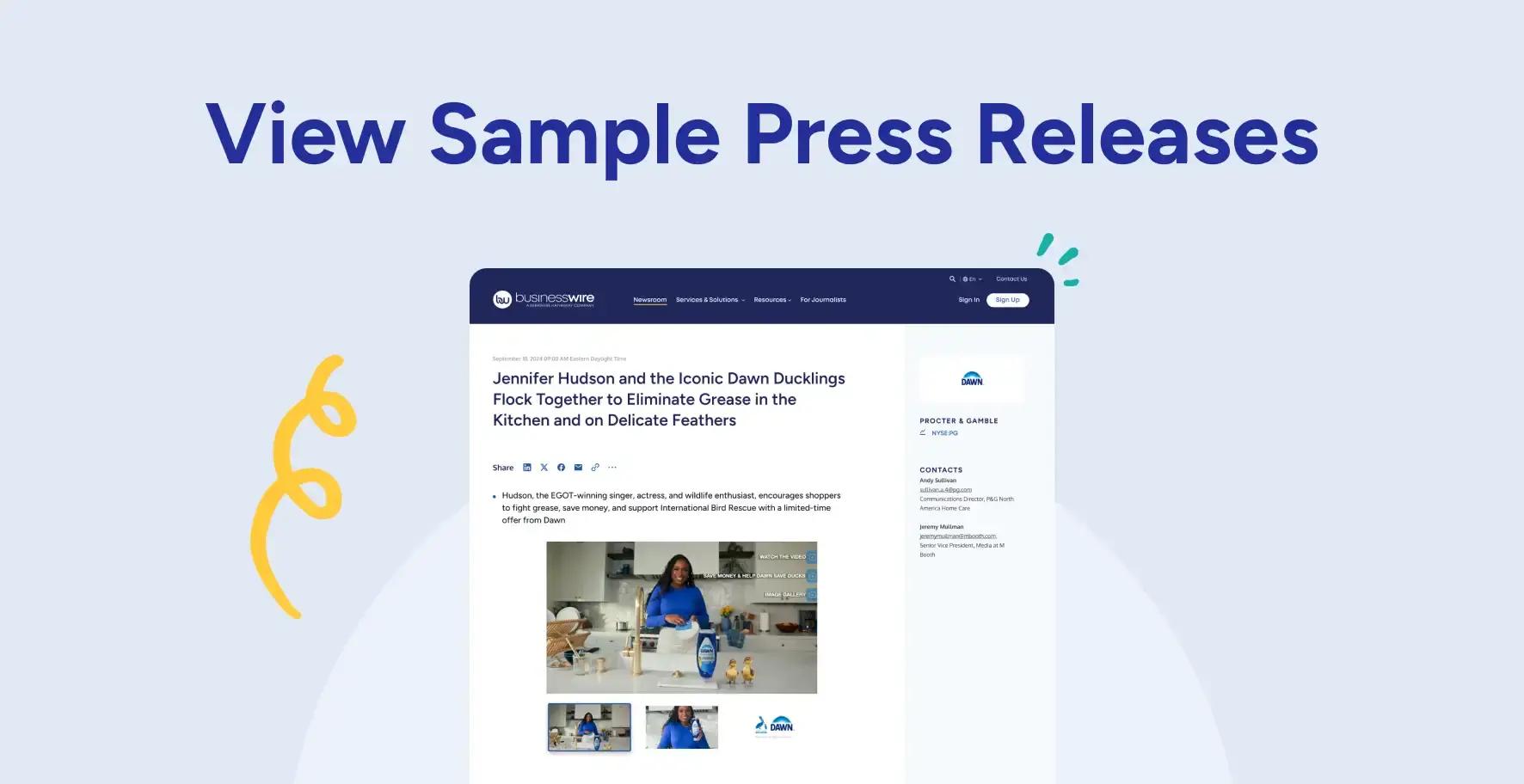
A multimedia press release is simply a news announcement that includes visuals like images, video, infographics, audio, or documents, to help tell the story more clearly.
But the key point is simple: multimedia isn’t just decoration.
When it’s used well, it helps explain the story faster, adds context, and makes the content easier to understand and reuse across different platforms. It becomes part of the message, not just something attached to it.
Common Types of Multimedia Used in Press Releases
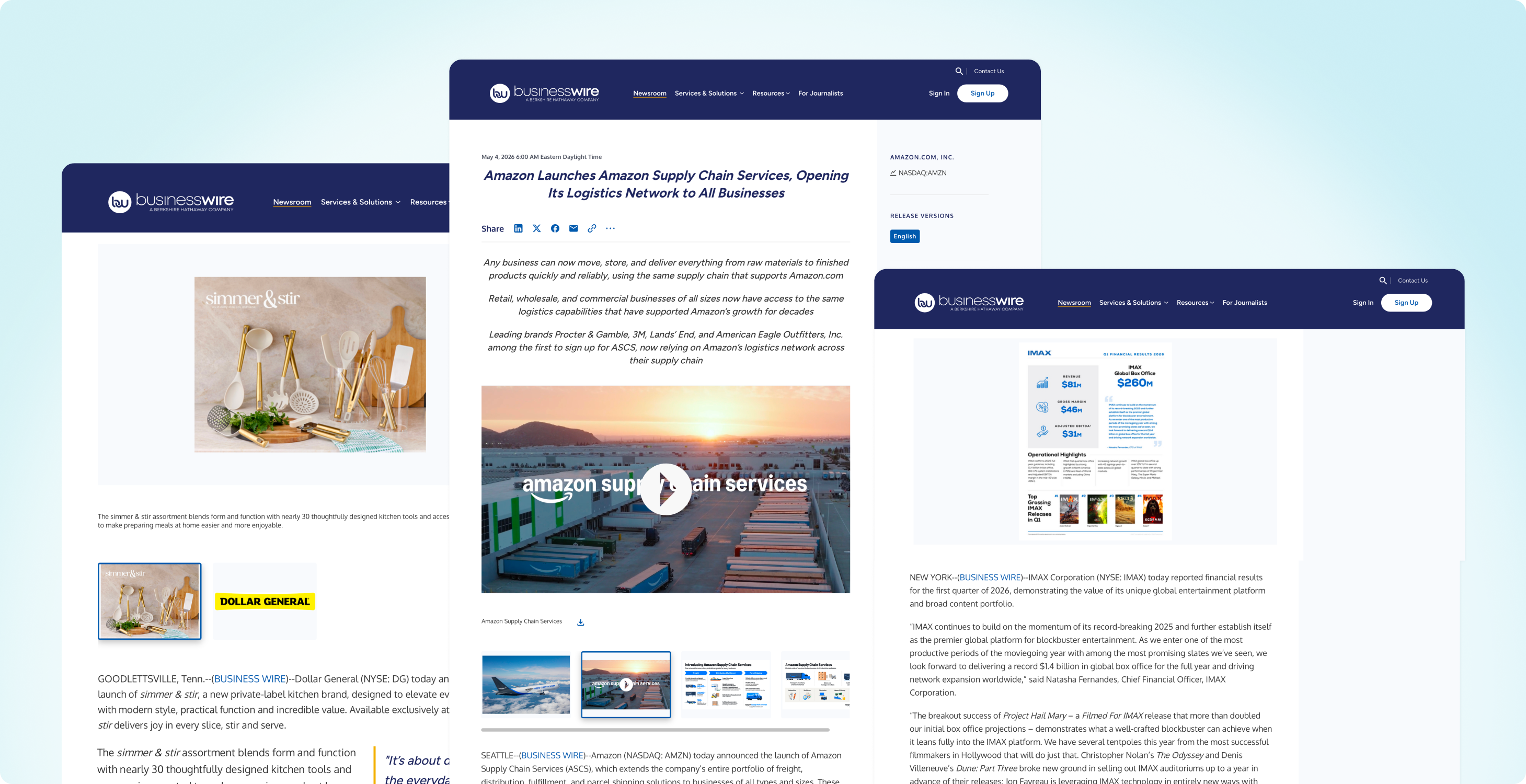
Most press releases rely on a handful of core media types, each serving a different role in how the story is communicated:
- Photos and Graphics: These help people instantly understand what the story is about. Whether it’s a product, a person, or an event, visuals make the announcement easier to recognize and more engaging right away.
- Videos: Video adds movement, voice, and context. It’s especially helpful for product demos, leadership messages, or anything where showing is more effective than explaining.
- Audio: Audio brings in tone and personality. Interviews or spoken statements can make an announcement feel more human and authentic.
- Presentations and Data Files: Charts, slides, and structured data help break down complex information. These are often used for financial results, research findings, or technical updates where clarity matters.
- Documents and Supporting Materials: These include background reports, summaries, or additional context that helps deepen understanding of the announcement.
Together, these formats make a press release easier to follow, easier to trust, and easier to use—for both journalists and audiences.
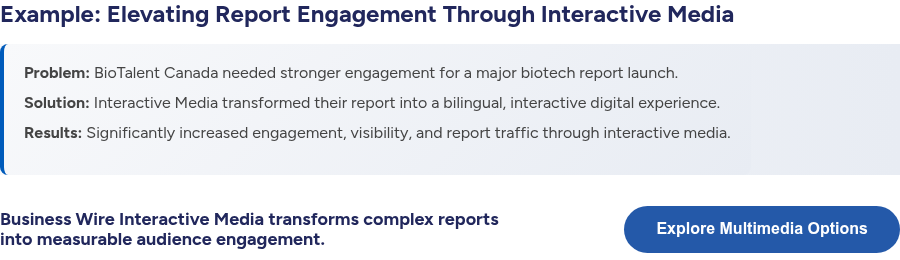
See how Business Wire turns multimedia into an engaging experience.
Learn More About Interactive Media
How Different Types of Press Releases Use Multimedia
Different announcements benefit from different combinations of media. The most effective press releases align format with intent, using multimedia to reinforce clarity and context, rather than just adding visuals for volume.
Examples of Multimedia in Press Releases
- Product Launches: Product imagery, demonstration videos, and short explainer clips help show functionality immediately and reduce ambiguity around features, use cases, and differentiation.
- Company News: Leadership photos, office imagery, and short video statements help humanize announcements such as reorganizations, expansions, or strategic updates.
- Events & Trade Shows: Event photography, highlight reels, and recap videos capture atmosphere and key moments, helping extend engagement beyond attendees.
- Research Findings: Infographics, data visualizations, charts, and presentation-style assets help translate complex datasets into clear, digestible insights.
- Award Announcements: Photos, logos, and short celebratory videos help validate recognition and make the achievement more visually shareable across media and social channels.
- Crisis Management: Clear statements, supporting visuals (such as timelines, diagrams, or official documentation), and video messaging from leadership help ensure transparency and clarity under time-sensitive conditions.
- Earnings Updates: Charts, financial tables, investor presentations, and data visualizations help simplify performance metrics and highlight key financial trends.
- IPO Announcements: Investor decks, executive videos, branding visuals, and explanatory graphics help communicate positioning, growth story, and market context.
- Partnerships: Co-branded visuals, joint video statements, and imagery of collaboration help reinforce credibility and showcase alignment between organizations.
- Community Involvement: Photography, documentary-style video, and storytelling visuals help highlight impact, participation, and real-world outcomes in a more human-centered way.
The common thread across all of these is simple: the best press releases don’t try to include everything; they include what actually helps tell the story clearly.
Why Multimedia Improves Press Release Performance
People don’t consume information the way they used to.
Most readers scan first and decide within seconds whether something is relevant. Multimedia helps close that gap by making key information easier to recognize and absorb quickly.
Instead of relying on long explanations alone, different formats do different kinds of work. An image can establish context instantly. A short video can demonstrate functionality in seconds. A chart can translate complex data into something immediately understandable.
This changes how press releases are experienced. Rather than being read in a strict linear way, they become easier to navigate, with the most important information standing out more naturally.
Why Journalists Rely on Multimedia-Ready Press Releases
For journalists, the value of multimedia is even more practical.
Modern newsrooms operate at speed. Deadlines are tight, and stories move fast. When a press release already includes ready-to-use visuals or video, it removes a lot of extra steps. There’s no need to request assets or search for supporting materials elsewhere.
That makes a real difference in whether a story gets covered. When everything is included upfront, it’s easier to evaluate the news, produce the story, and make it visually compelling for readers.

How Multimedia Helps Press Releases Travel Further
Multimedia also changes how a press release performs after it’s been published and distributed.
Once a press release goes live, it doesn’t exist in a single, static form anymore. Instead, it becomes part of a much larger digital ecosystem where content is constantly being surfaced, reshared, summarized, and repackaged across different channels. In that environment, strong visuals play a key role in how widely and consistently the story circulates.
Content that includes compelling images, video, or other multimedia tends to hold attention longer. People are more likely to pause, engage, and explore when there is something visual to anchor the story. That increased engagement also makes it more likely the content will be reused in other contexts.
Common ways press releases are reused include:
- Featured in news articles (images, quotes, or video clips)
- Shared across social media platforms
- Embedded in blogs, newsletters, or company updates
- Referenced in follow-up reporting or analysis
Over time, this creates a compounding effect. Instead of existing as a single moment in time, a press release can surface in multiple formats, across multiple channels, and in different contexts. One announcement can live on a company site, be picked up by media outlets, shared on social platforms, and resurfaced in search or discovery experiences long after its initial release.
In other words, multimedia helps turn a press release from a one-time publication into a piece of content that continues to work long after it’s been published.
How Multimedia Supports Modern Digital Systems
As we know, today’s content isn’t just read by people. It’s also processed by systems that categorize, interpret, and surface information across search, news, and AI-driven experiences.
That means a press release has to do two things at once:
- make sense to a human reader,
- and be clearly understandable to systems that are scanning it for meaning, relevance, and context.
Those systems increasingly influence what shows up in search results, what gets featured in summaries, and what appears in AI-generated answers.
Multimedia plays a bigger role here than it might seem at first. It may seem as simple as adding visuals, but it’s really about making sure those visuals can be understood, indexed, and surfaced correctly.

5 Ways to Optimize Multimedia for Discovery
1. Alt Text on Images
Alt text is the short description attached to an image. It originally existed for accessibility, but today it’s one of the primary ways systems understand what a visual contains.
Even as AI models become more capable of interpreting images, they still rely heavily on written context. And many systems still can’t “see” images at all. A photo without alt text is essentially invisible to those systems. A photo with clear, descriptive alt text becomes something that can be indexed, connected to your announcement, and even surfaced in search or AI-generated responses.
Business Wire always encourages submitting multimedia captions for any visual assets you distribute with your press release. Those same captions are used by Business Wire to create alt text, helping search engines and AI understand and index your content.
2. Video Transcripts
A transcript is the written version of everything spoken in a video or audio clip. Search engines and AI systems index text, not audio. So if a CEO announcement only exists as a video, much of its meaning can be missed.
Transcripts make that content fully accessible. They allow systems to pull accurate quotes, understand key points, and connect the video to the broader story. In terms of AI visibility, this is one of the most impactful steps you can take. Transcripts turn spoken content into something that can be discovered and reused.
If you’re publishing a press release, there are a few ways to make transcripts more effective:
- Include the transcript directly in the body of the press release, especially for shorter videos or key statements
- Add the transcript as a downloadable PDF alongside your multimedia assets, so it’s indexable, scannable by AI systems, and appears within your multimedia set
- Link to a full transcript hosted on your own site, giving both users and systems a clear path to the full text
When distributed through Business Wire, these approaches help ensure the transcript stay connected with your release as part of the overall multimedia package, making it easier for media, search engines, and AI systems to access and interpret the content wherever it appears.
3. Descriptive Filenames
File names might seem like a small detail, but they’re another signal systems use to understand content.
A name like IMG_4837.jpg doesn’t communicate anything.
A name like acme-q3-earnings-revenue-chart.jpg immediately adds context.
When assets get shared, embedded, or picked up by other sites, filenames often travel with them, even when other context doesn’t. Renaming files before uploading is a simple, low-effort way to improve clarity.
4. Captions Written for Context
Captions are the visible text that appears alongside an image or video. The most common mistake is keeping them too minimal or purely descriptive. Instead of just labeling what’s in the image, strong captions connect the asset to the news itself.
For example: “CEO Jane Smith announcing Acme’s expansion into European markets, Q2 2026”
This kind of caption gives systems (and readers) more to work with: who, what, where, and why it matters.
For press releases distributed through Business Wire, your captions are published directly beneath each multimedia asset, ensuring they stay clearly connected to the corresponding image, video, or file as part of the release.
5. Structured Metadata
Beyond what’s visible on the page, there’s also machine-readable information attached to multimedia. This can include things like embedded image metadata, structured markup, licensing details, and source information.
This layer helps establish context, ownership, and credibility. It’s also what allows assets to retain meaning as they move across platforms, get syndicated, or appear in new contexts, including AI-generated answers.
Business Wire automatically adds schema, keywords, tags, and news codes to your press release as it’s prepared for distribution. This data is preserved through distribution, helping maintain context and attribution as your announcement is spread across media outlets, platforms, and downstream systems.
Individually, these details may seem small. Together, they determine whether multimedia simply exists on a page, or whether it can be understood, indexed, and surfaced across modern digital systems.
Best Practices for Using Multimedia Effectively
Good multimedia use is about intention, not volume. Here’s a simple checklist to keep in mind:
- Does each asset clearly support the main story or message?
- Is every image, video, or file adding useful context?
- Are captions written to explain what the audience is seeing (not just restate the obvious)?
- Is the number of assets focused and intentional, rather than overwhelming?
- Are visuals high-quality and relevant to the announcement itself?
- Would someone still understand the key message if they only skimmed the visuals and headings?
To explore more best practices, see how visual content can be effectively incorporated into press releases and earnings announcements.
Press Releases Are Now Multi-Format Experiences
Multimedia turns complex information into something clearer, faster to understand, and easier to share across media, search, and digital platforms. With stories so often being quickly scanned, summarized, and redistributed, that clarity plays a critical role in how effectively a press release performs.
Business Wire provides flexible options for incorporating multimedia based on the needs of each announcement. A release can include a single visual to highlight a key message, a multi-asset approach to build a richer narrative with images, video, and supporting materials, or an Interactive Media experience, which brings content together in a more dynamic format designed for deeper engagement and exploration.
Each format is designed to ensure your press release is distributed widely and experienced more fully across media, search, and digital channels.